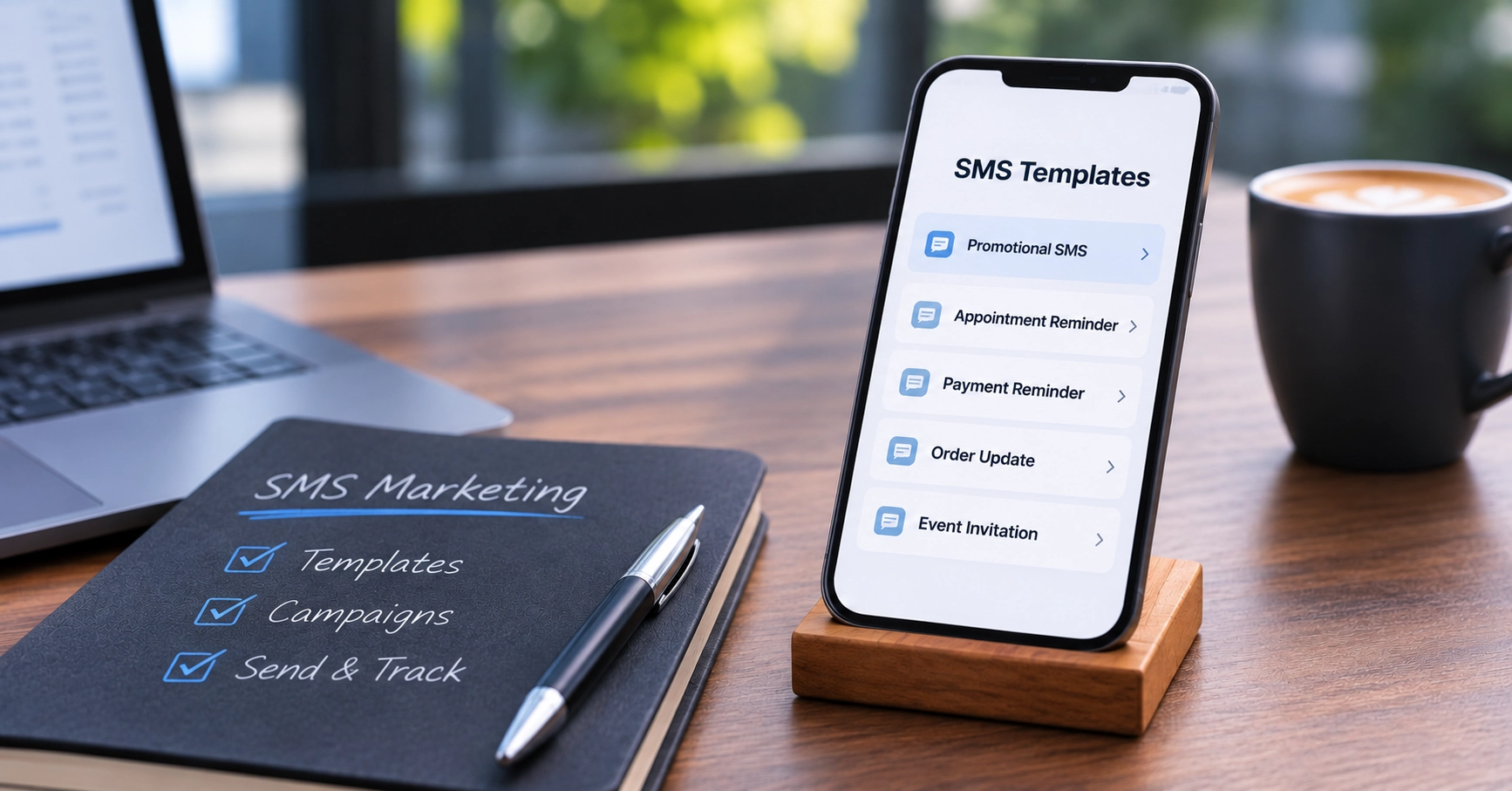
SMS Marketing Templates: 20 Ready-to-Use Messages for Your Business
Need an SMS marketing template you can use today? Below are 20 copy-and-paste SMS templates grouped by purpose, with each template kept within the 160-character limit of a single standard SMS.
Adapt the wording, replace the fields in curly brackets with your own information and check the final character count before sending.
What Is the SMS Character Limit?
A standard SMS can contain up to 160 characters, including spaces and punctuation.
Once your message exceeds the standard SMS character limit, it can be split into multiple message parts. Although the recipient may see one continuous message on their phone, you can be charged for each SMS part.
Special or unsupported characters can also affect the number of characters available in a single SMS because they may require a different character encoding.
For that reason, the templates below use plain text without emojis or unusual symbols.
Remember that personalisation can also change the final length. {FirstName} may fit comfortably in your template, for example, but replacing it with a long customer name will increase the character count.
SMS Templates for Marketing: Promotions and Sales
Promotional SMS messages work best when the offer, deadline and next action are immediately clear.
1. Percentage discount
Hi {FirstName}, save 20% at {BusinessName} until {Date}. Shop now: {Link}. Reply STOP to unsubscribe
100 characters
2. Spend and save offer
{BusinessName}: Get R100 off when you spend R500 or more by {Date}. Shop: {Link}. Reply STOP to unsubscribe
107 characters
3. General sale
Hi {FirstName}, our sale is on. Save up to 30% at {BusinessName} until {Date}. {Link} Reply STOP to unsubscribe
111 characters
4. Buy two, get one free
{BusinessName}: Buy 2 and get 1 free on selected items until {Date}. Shop: {Link}. Reply STOP to unsubscribe
108 characters
When adapting promotional messages, keep the offer specific. A customer should be able to understand what is being offered, when it ends and what they need to do without having to interpret the message.
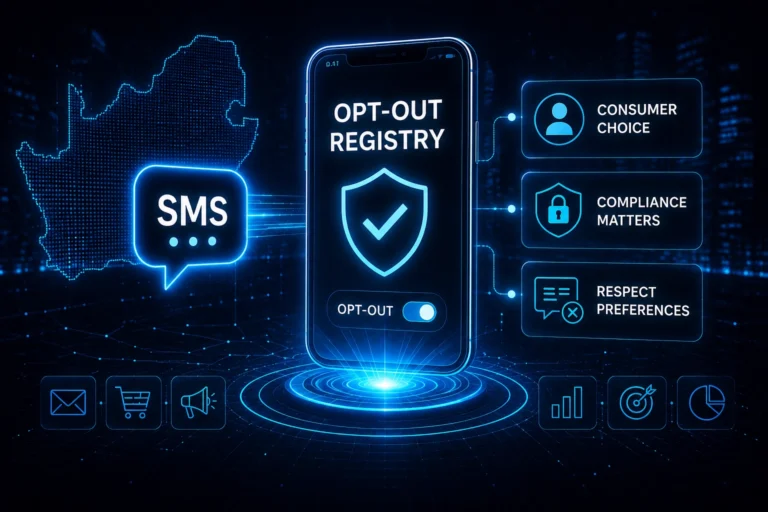
Promotional messages should also contain the appropriate opt-out wording. The templates above use “Reply STOP to unsubscribe”.
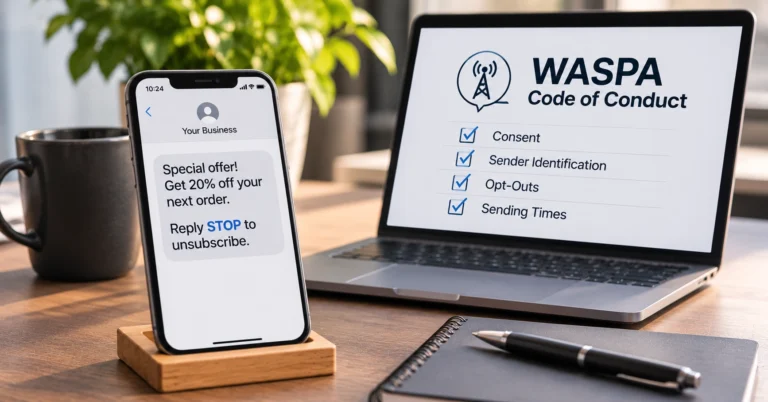
For the full rules on consent, sender identification, opt-outs and permitted sending times, read our guide to theWASPA Code of Conduct for SMS senders.
Appointment Reminder Message Examples
Appointment reminders do not need marketing language. The most useful information is usually the business name, appointment date, time and what the customer should do if they cannot attend.
5. General appointment reminder
Hi {FirstName}, reminder: your appointment at {BusinessName} is on {Date} at {Time}. Call {Phone} if you need to reschedule.
124 characters
6. Dentist appointment
Hi {FirstName}, your dentist appointment is on {Date} at {Time}. Please arrive 10 minutes early. {BusinessName}
111 characters
For example, a dental practice in Pretoria could replace {Date} and {Time} with the patient’s actual booking details before sending.
7. Salon appointment
Hi {FirstName}, your salon booking at {BusinessName} Durban is confirmed for {Date} at {Time}. See you then.
108 characters
These appointment reminder message examples can also be adapted for medical practices, consultants, workshops, beauty businesses and other appointment-based services.
Payment Reminder SMS Templates
Payment reminders should be clear about the amount, due date and payment reference without sounding unnecessarily complicated.
8. Upcoming payment
Hi {FirstName}, a payment of R{Amount} is due to {BusinessName} on {Date}. Please use reference {Reference}. Thank you.
119 characters
9. Outstanding payment
Hi {FirstName}, R{Amount} is outstanding on your {BusinessName} account. Please pay by {Date}. Contact us on {Phone} with queries.
130 characters
10. Payment reference reminder
Payment reminder: R{Amount} is due to {BusinessName} by {Date}. Please use {Reference} as your payment reference. Thank you.
124 characters
Check that the final amount, date and reference are correct before sending payment messages, particularly when these fields are being inserted automatically from another system.
Order and Delivery Update SMS Templates
Customers generally want straightforward information about what is happening with their order and whether they need to take any action.
11. Order received
Hi {FirstName}, we have received order {OrderNo}. We will let you know when it is ready for delivery. {BusinessName}
116 characters
12. Order dispatched
Hi {FirstName}, order {OrderNo} has been dispatched and is on its way. Track it here: {Link}. {BusinessName}
108 characters
13. Ready for collection
Hi {FirstName}, order {OrderNo} is ready for collection from {BusinessName}. Please collect by {Date}.
102 characters
These templates can be used for transactional communication rather than promotional campaigns. If your business sends both types, read our guide to transactional SMS vs promotional SMS to understand the distinction.
Event Invitation SMS Templates
An SMS invitation should answer the main questions quickly: what is happening, when is it happening, where is it and how does the recipient respond?
14. Event invitation with RSVP
Hi {FirstName}, you are invited to {EventName} on {Date} at {Time}. Venue: {Venue}. RSVP to {BusinessName} by {RSVPDate}: {Phone}.
130 characters
15. Event invitation with link
{BusinessName} invites you to {EventName} on {Date} at {Time}. Join us at {Venue}. RSVP here: {Link}.
101 characters
For events with more information than you can reasonably fit into an SMS, link to a page containing the full event details rather than trying to include everything in the message.
Customer Win-Back SMS Templates
A win-back message gives an existing customer a reason to return. Keep the offer and deadline clear.
16. Percentage win-back offer
Hi {FirstName}, we miss you. Get 15% off your next purchase at {BusinessName} before {Date}. {Link} Reply STOP to unsubscribe
125 characters
17. Rand-value win-back offer
Hi {FirstName}, come back to {BusinessName} and get R100 off when you spend R500 by {Date}. {Link} Reply STOP to unsubscribe
124 characters
Avoid trying to fit several offers into the same SMS. One clear offer usually makes the message easier for the recipient to understand.
Black Friday and Festive Season SMS Templates
Seasonal campaigns often have short timeframes, making the date and offer particularly important.
18. Black Friday offer
Black Friday at {BusinessName}: Save 25% on selected items on {Date}. Shop: {Link}. Reply STOP to unsubscribe
109 characters
19. Black Friday sale announcement
Hi {FirstName}, our Black Friday sale is live. Shop deals at {BusinessName}: {Link}. Reply STOP to unsubscribe
110 characters
20. Festive season greeting
Season’s greetings from {BusinessName}. Thank you for your support this year. We wish you a safe and happy festive season.
122 characters
If a festive season message includes an offer or other marketing content, add the appropriate opt-out wording and check that the finished message remains within your intended SMS length.
How Do You Personalise an SMS Template Without Making It Too Long?
Merge fields allow you to personalise a template without writing individual messages manually.
For example:
Hi {FirstName}
can become:
Hi Thandi
Other useful fields include {BusinessName}, {Date}, {Time}, {Amount}, {OrderNo} and {Reference}.
The important part is to remember that the placeholder and the final value may have different character counts.
A short {BusinessName} placeholder could be replaced by a much longer company name. The same applies to names, URLs and reference numbers.
Before sending a large campaign, populate your template with realistic examples, including some of your longest customer names or field values. Then check the character count again.
WinSMS provides bulk SMS services for businesses that need to send SMS messages to multiple recipients.
What Mistakes Should You Avoid When Adapting SMS Templates?
1. Trying to include too much information
SMS is designed for concise communication. If you need to explain detailed terms, directions or product information, consider directing the recipient to a webpage instead.
2. Forgetting that personalisation changes the length
A template that is comfortably below 160 characters can become longer when merge fields are populated. Always test the finished message rather than relying only on the template count.
3. Removing the opt-out wording to save space
Do not sacrifice necessary opt-out wording simply to shorten a promotional message. Write the rest of the message more concisely instead.
The templates above give you a starting point, but the final message should always be checked for its purpose, recipients, character count and applicable opt-out requirements before sending.
4. Check your campaign before you send it
Use thefree WinSMS Campaign Advisor to check your SMS against WASPA and POPIA requirements, count message parts and estimate the cost of your campaign before you send it.
Frequently Asked Questions
How many characters can a single SMS contain?
A standard SMS can contain up to 160 characters, including spaces and punctuation. Messages longer than this are split into multiple parts, and you can be charged for each part.
Why is my SMS being split into more than one part?
Your message is either longer than 160 characters or contains a character outside the standard SMS character set, such as an emoji or a curly apostrophe or quotation mark. Unsupported characters switch the message to a different encoding, which reduces a single SMS to 70 characters.
Do SMS marketing templates need opt-out wording?
Yes, promotional messages should include opt-out wording such as ‘Reply STOP to unsubscribe’. The WASPA Code of Conduct requires that recipients of SMS direct marketing can opt out by replying STOP where technically feasible, or that clear opt-out instructions are included in each marketing message.
Does a marketing SMS need to include the business name?
Yes. Under the WASPA Code of Conduct, a direct marketing message must identify the sender or the business on whose behalf it was sent. Adding {BusinessName} to your template also helps recipients recognise the message immediately.
Choose a Bulk SMS Provider You Can Trust
Not all Bulk SMS providers are created equal. WinSMS has helped South African businesses communicate reliably for over 20 years with transparent pricing, no expiry on credits, local support, powerful SMS APIs, and flexible messaging solutions designed to scale with your business.
Sign Up for a Free TrialNo contracts • No expiry • Local SA support
Supported Networks: Vodacom · MTN · Cell C · Telkom Mobile